How do I setup Meeting Reminders?
Last updated: February 27, 2026
Meeting reminders can be very useful to prevent Meeting no-shows. GoodTime Meet makes it easy to send out reminder emails to your guests prior to your meeting.
Quick Setup Guide
Go to your Settings > My Availability
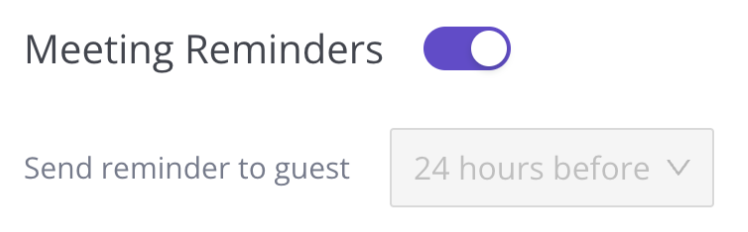
Scroll down to the “Meeting Reminders” section
Toggle Reminders On
Press “Save”
NOTE: We currently only support sending a default reminder 24 hours prior to the meeting. The dropdown to select other options is deactivated at this time until we release more options in the future.