🎟️ Event Scheduling Links
Last updated: October 16, 2026
Overview
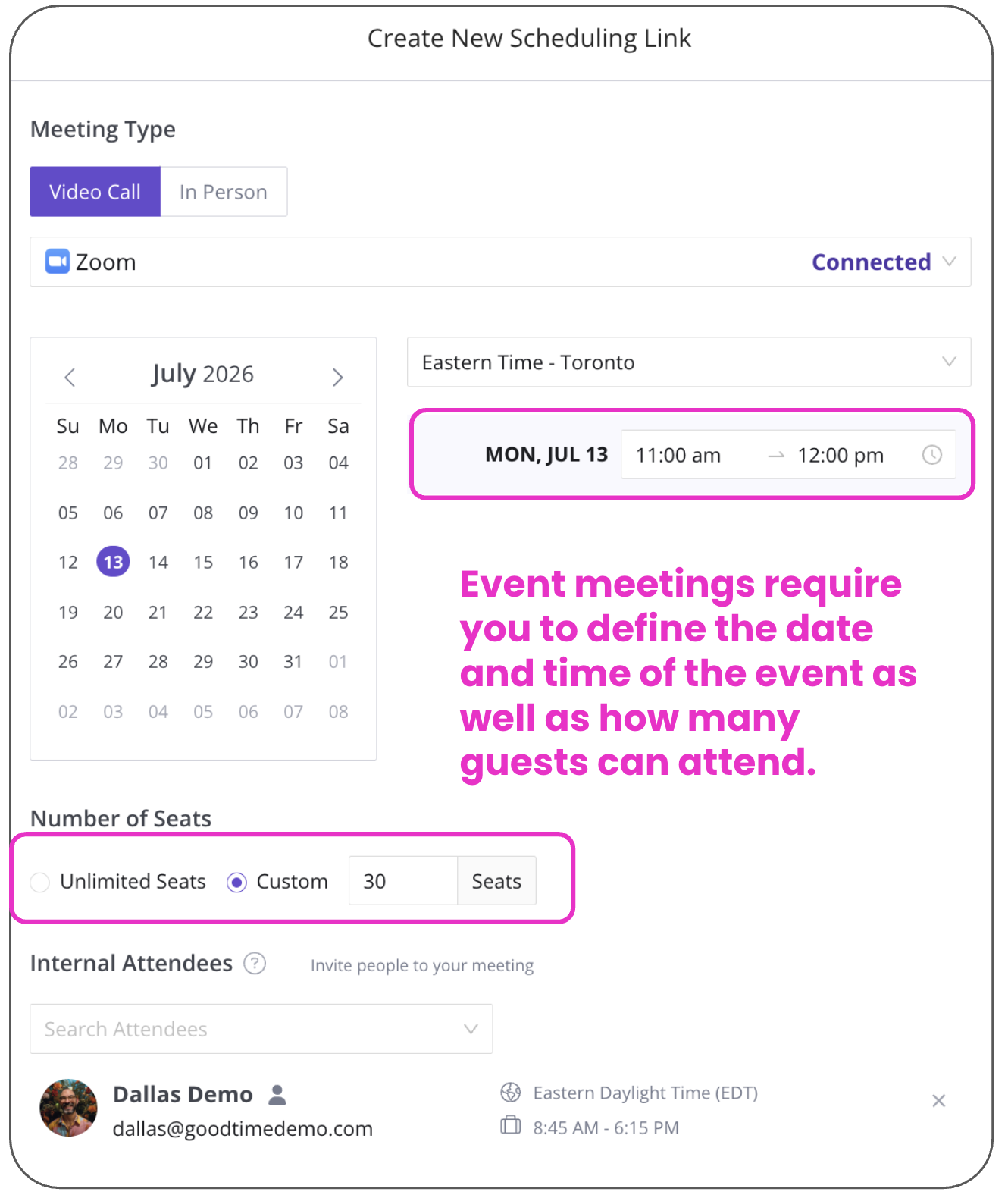
Event scheduling links are designed to allow you to build a unique link that will only allow a pre-defined number of guests to attend an event at a pre-specified date and time. To create an Event scheduling link you would start by clicking the '+ New Scheduling Link' button and then selecting the 'Round Robin Meeting' link option. For this point you can follow the standard setup process as outlined here. The primary difference with a Event scheduling link and other types, is that you will define a specific date and time for the event to take place, and then specify the quantity of guests you wish to admit to this event.
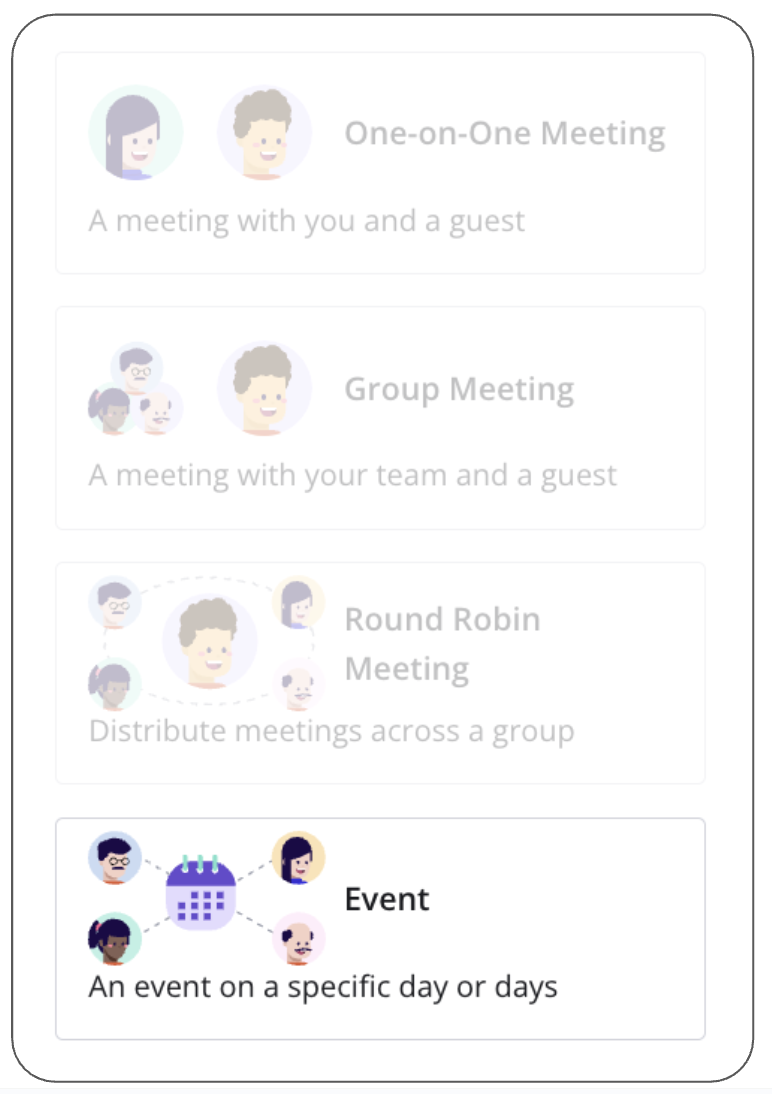
Event Meeting Setup:
The Event meeting link is most commonly used when you need to share a specific time window with one or more guests. There links can be useful for events such as Career Fairs, Post Webinars Meetings, Investor Weeks, etc.
FAQ:
Q: Can I collect multiple time options from a candidate and review them before scheduling?
A: Use GoodTime Hire's Request Availability with Require Review for this workflow. The candidate's availability, including their time zone, is collected through the candidate's Hire profile and job scheduling process. After submitting availability, the candidate appears in Pending Review, where the scheduler can select Schedule Now to review the options and choose the final time. This is a Hire workflow, not a standalone Meet event link; a Meet event link cannot be converted to Require Review.
For an informal candidate check-in, an authorized Admin or Super Admin can create or edit a simple one-event, 30-minute interview template, name and word it as a check-in, and adjust its Request Availability and confirmation emails. Users without interview-template access should ask an authorized administrator.
Q: Can you invite unlimited guests?
A: Yes, if you wish, you can create an event link that will admit as many guests as sign-up via the link
Q: What happens when the 'seat' quantity is set?
A: If you set a custom seat quantity, the Event link will only allow the specified number of guests to book via this link. Any guests who attempt to book after the custom seat quantity has been met will be asked to schedule on a different day (if multiple dates and times are offered), or they will be politely notified that this event is at capacity.