How do I block vacations?
Last updated: February 27, 2026
Overview
If you have scheduling links set up to share your availability from your calendar but are planning to go on vacation and want to prevent people from blocking that time, follow these simple steps to block availability from all your scheduling links (and other teammates links that you may be an attendee of).
Open up your calendar application (i.e. Google Calendar, Outlook calendar)
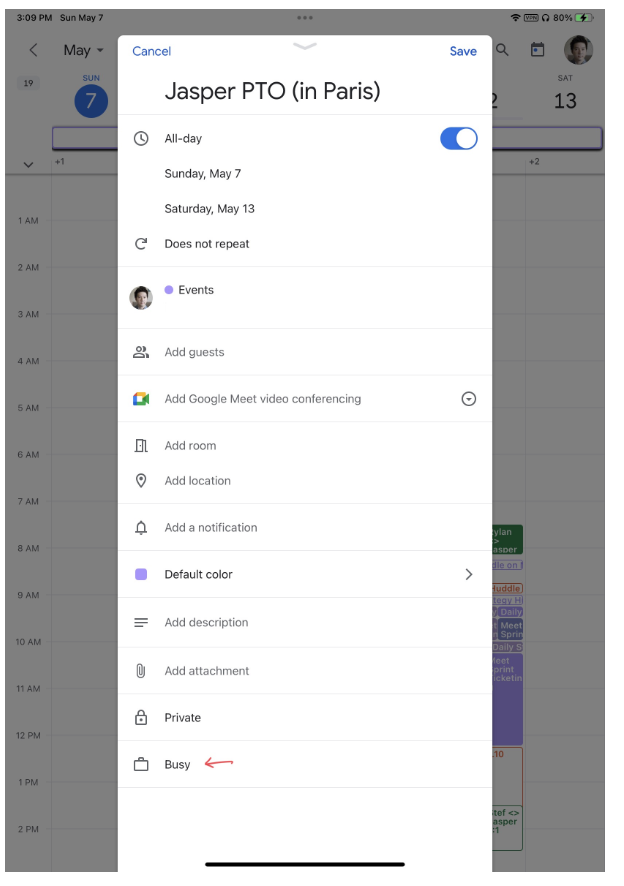
Create an “All Day” event and title it something recognizable like
Jasper PTO (in Paris)On the options inside of the calendar event, make sure that you are an attendee
Also make sure that you mark the event as “Busy” and save the event
Example in Google Calendar
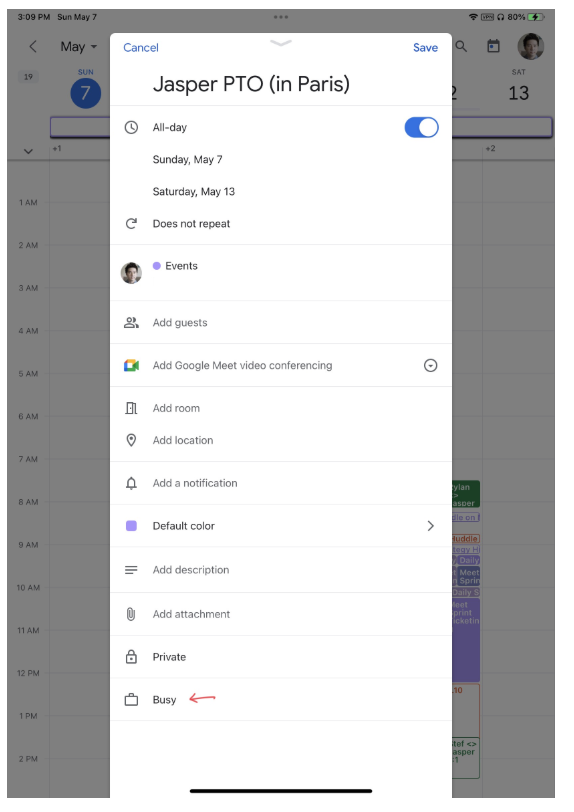
Example in Microsoft Calendar